
CSS Color Module 4 & 5: Mastering OKLCH, color-mix(), and Display P3
Why RGB and HSL are mathematically flawed for UI design. Master OKLCH for perceptually uniform palettes, dynamic color-mix(), and Display-P3 wide gamut.
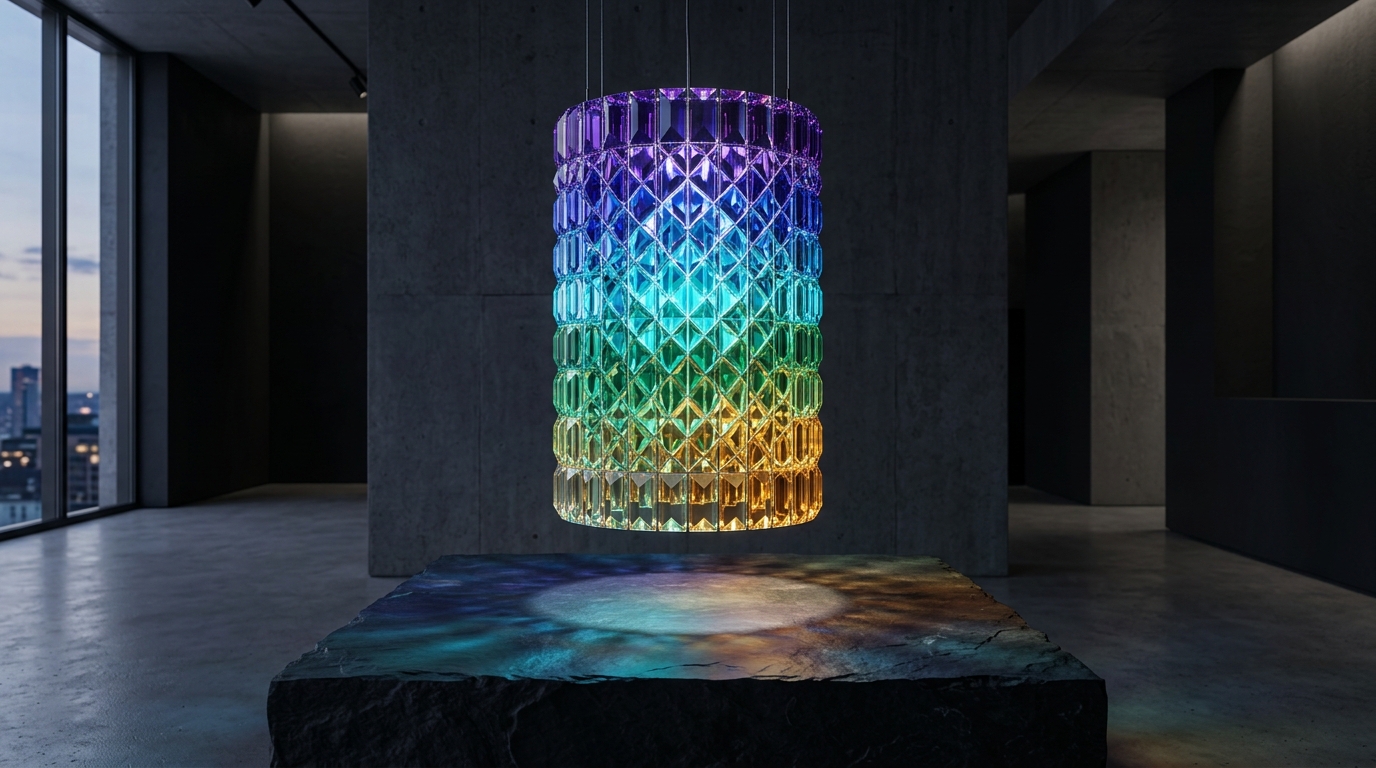
For thirty years, web design was constrained to standard sRGB color space using rgb() and hsl().
However, the human eye does not perceive light linearly. In HSL, pure blue (hsl(240, 100%, 50%)) and pure yellow (hsl(60, 100%, 50%)) have the exact same 50% “lightness” parameter—yet yellow appears blindingly bright while blue appears dark. This perceptual asymmetry makes generating accessible UI palettes and predictable hover states in HSL deeply frustrating.
CSS Color Module 4 and 5 introduce OKLCH and color-mix(), unlocking 30% more vibrant colors on modern Display-P3 screens with mathematical perceptual uniformity.
1. OKLCH: The Perceptually Uniform Color Space
┌─────────────────────────────────────────────────────────────┐
│ OKLCH Syntax: oklch(Lightness Chroma Hue)                   │
│                                                             │
│ • L (Lightness): 0% (Pure Black) to 100% (Pure White)       │
│ • C (Chroma):    0 (Grayscale) to ~0.37 (Maximum saturation) │
│ • H (Hue):       0° to 360° (Color angle on the color wheel)│
└─────────────────────────────────────────────────────────────┘
:root {
/* Vibrant Electric Cyan in Display-P3 */
--brand-cyan: oklch(0.75 0.18 200);
/* Warm Sunlit Gold with identical perceived lightness (0.75) */
--brand-gold: oklch(0.75 0.18 85);
}Why OKLCH is Superior for Design Systems:
- True Perceptual Uniformity: Two colors with
L = 0.70will always have the exact same contrast ratio against black, regardless of hue! This makes creating accessible WCAG-compliant themes automatic. - Smooth Gradient Interpolation: OKLCH eliminates the dull, grayish “dead zones” in the middle of RGB gradients.
- Display-P3 Access: Accesses vibrant neon greens, corals, and magentas that sRGB literally cannot render.
2. Dynamic Palette Generation with color-mix()
The native color-mix() function mixes two colors in a specified color space directly in CSS without Sass preprocessors or JavaScript color libraries:
:root {
  --primary: oklch(0.6 0.22 250); /* Brand Blue */
}

.button {
  background-color: var(--primary);

  /* Create 15% hover tint dynamically */
  &:hover {
    background-color: color-mix(in oklch, var(--primary), white 15%);
  }

  /* Create 20% active shade dynamically */
  &:active {
    background-color: color-mix(in oklch, var(--primary), black 20%);
  }
}

/* Semi-transparent modal backdrop */
.modal-overlay {
  background-color: color-mix(in oklch, var(--primary) 20%, transparent);
}
3. Wide-Gamut Media Queries: @media (color-gamut: p3)
Safely provide ultra-vibrant colors to devices with wide-gamut displays (iPhones, MacBooks, modern OLED monitors):
:root {
  --neon-coral: rgb(255, 60, 0); /* sRGB fallback */
}

@media (color-gamut: p3) {
  :root {
    --neon-coral: oklch(0.65 0.28 30); /* Ultra-vibrant P3 Coral */
  }
}
Contrast Testing & Tooling
- Verify your OKLCH color contrast against WCAG 2.1 AA/AAA standards with our WCAG Contrast Matrix Tool.
- Next, learn how to build seamless page animations: CSS View Transitions API Guide.